
Free Particles To Logo Reveal
Create a free particle logo reveal in After Effects for a channel intro, promo, branded video or other short opener. Replace the logo in the project and render a particle-based animation to introduce your brand without building the effect from scratch.
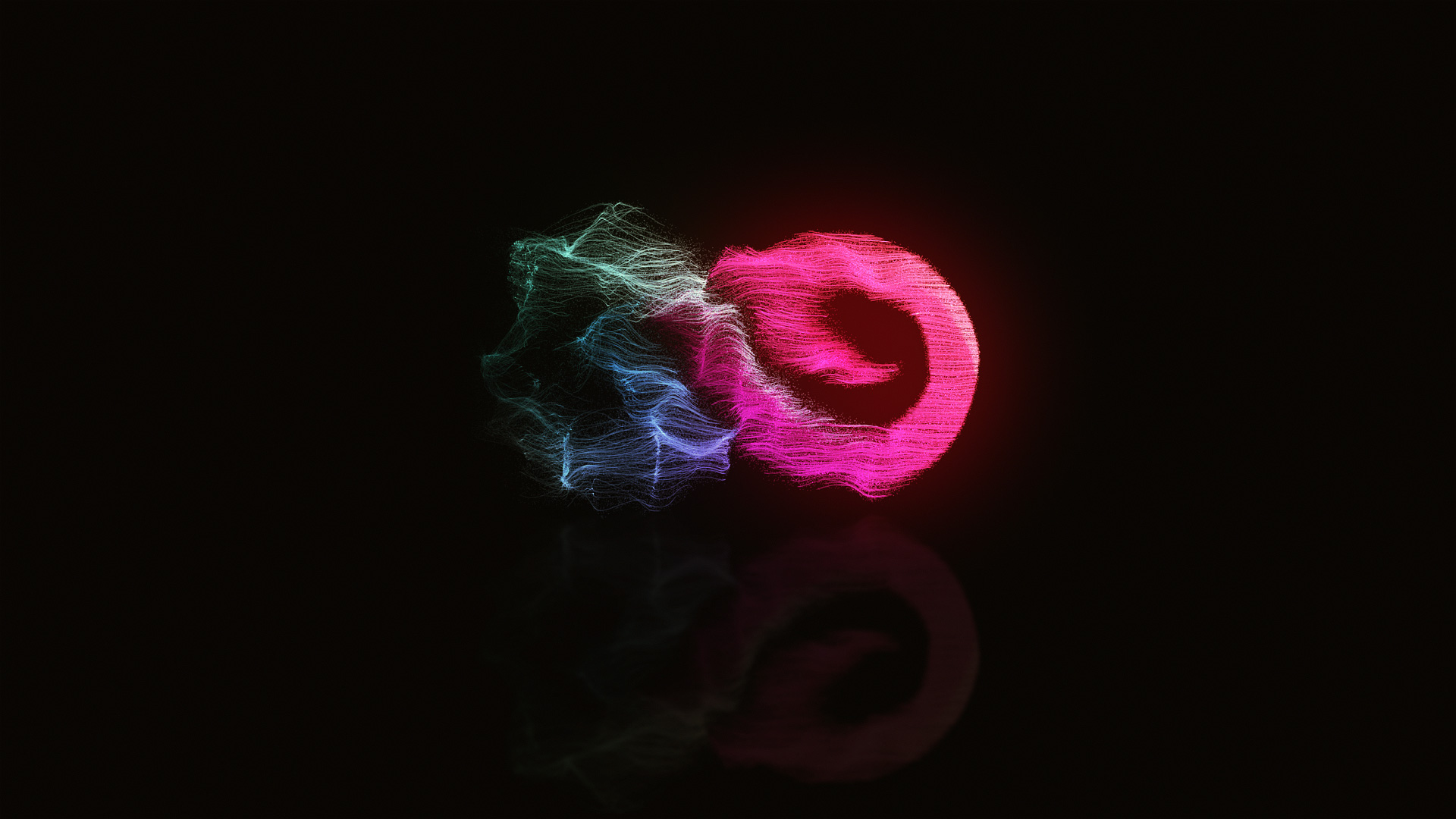
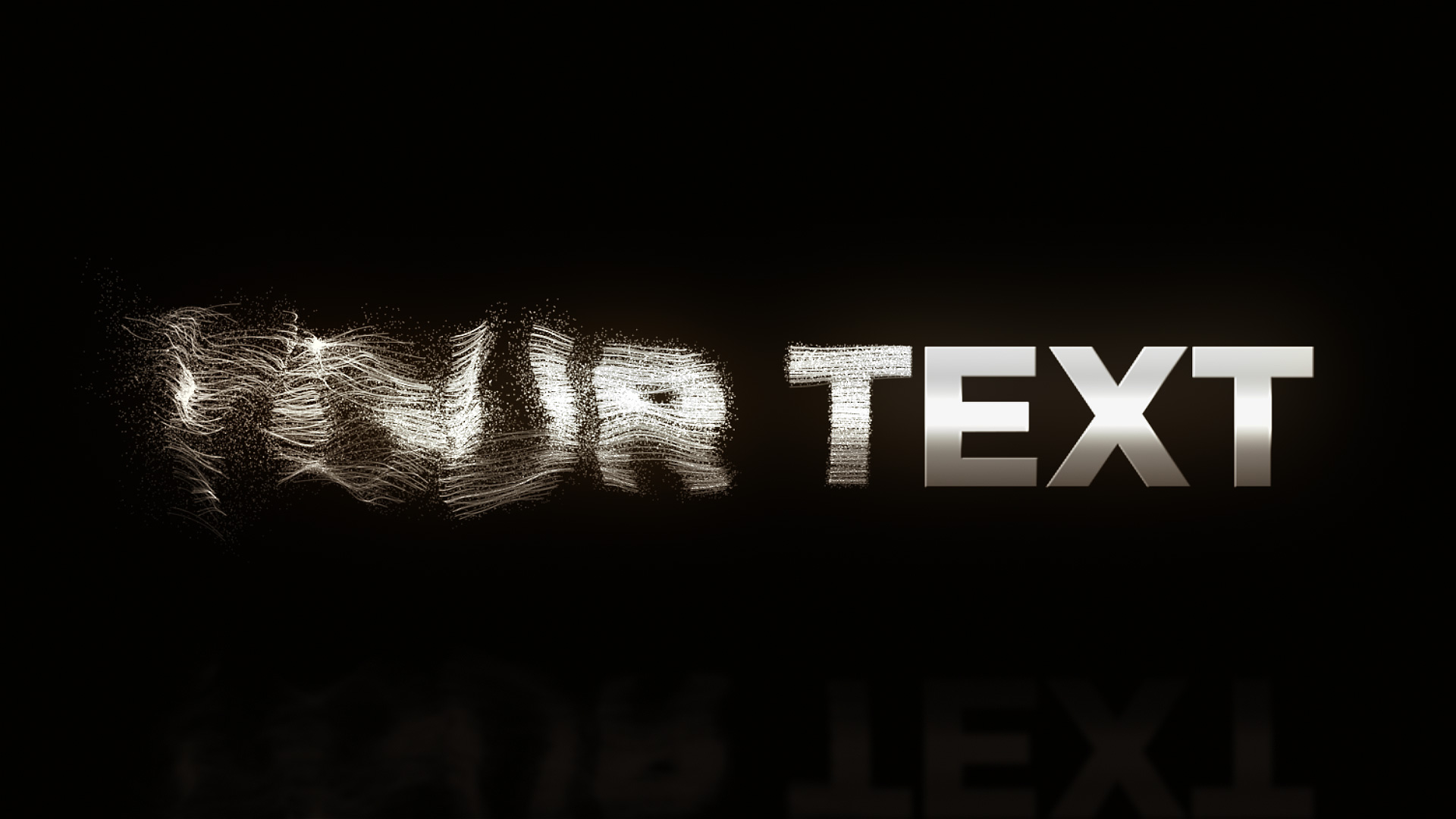
The project was created in After Effects CS6 and works in CS6 and newer versions. It requires Trapcode Form, so make sure that plugin is installed before opening and rendering the project. The video above shows the reveal in action, and the four preview images below link to larger versions.
Customize the logo reveal
Open the project in a compatible version of After Effects, replace the placeholder logo with your own artwork and render the finished animation. Use the reveal as a branded opening or closing moment in a promo, channel video or presentation. Check the preview first to make sure the particle style fits the look you want.
Requirements and preview credits
- After Effects CS6 or newer.
- Trapcode Form is required.
- The sound effect is not included.
- The preview music, “Etherial Choir Ascends,” is from the YouTube Audio Library.
- The text reveal uses the Montserrat font.
The preview logos are credited to Freepik: Wings logo template, Infinite logo (the preview uses an older version), and Flat logo car collection.


Need help adapting the project? Request customization.
FREE DOWNLOAD!

Thanks
You’re welcome Luis! 🙂
Thank you. Just purchased your work on Envato and giving it a good with Ae for the first time and with no experience, but it looks straight forward.
Thanks for your purchase David. 🙂