Tagged: mogrt

Retro Epic Trailer - Premiere Pro Mogrt Template

Retro Epic Trailer – Premiere Pro Mogrt Template

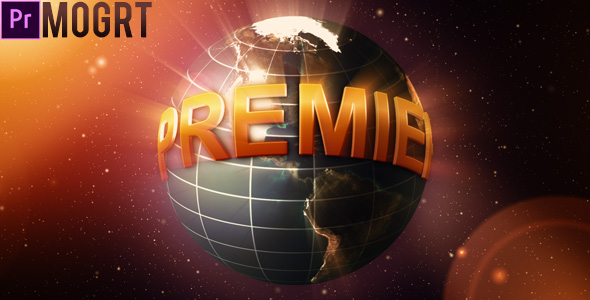
Give a film promo, game announcement or event opener a retro space look with this Premiere Pro MOGRT, featuring Earth visuals and dimensional titles. Edit the wording in Premiere Pro, then adapt the sequence to your footage. No third-party plugins are needed; After Effects must be installed and a help file is included.
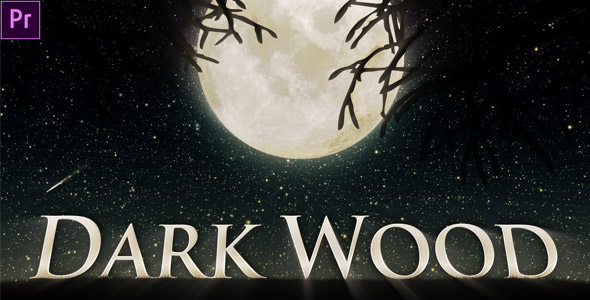

Dark wood mogrt project

Dark Wood (Mogrt)

Add a warm wood-style title to trailers, film intros, promos or presentations with this Premiere Pro MOGRT. Replace the wording in Premiere Pro and follow the included help file. Made for Premiere Pro CC 2018 and newer, it also requires After Effects installed; music is not included.

Multipurpose Clean 3D Text to Title Mogrt

Multipurpose Clean 3D Text to Title (Mogrt)

Create dimensional title reveals with this Premiere Pro MOGRT: choose seven 3D presets and customize extrusion, color, layout, rotation and depth of field. After Effects must be installed.

Lorem Ipsum mogrt project

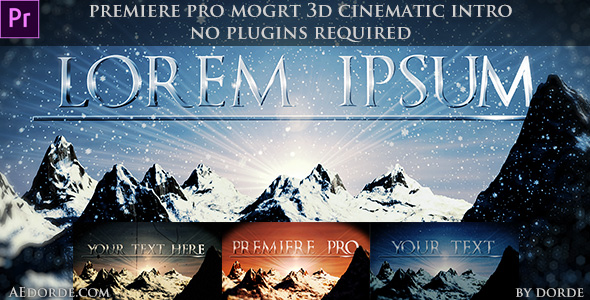
Cinematic Opener – Lorem Ipsum (Mogrt)

Open a film intro, trailer, event video or branded presentation with this cinematic Premiere Pro MOGRT. Replace the sample text, choose a version and use the included render options to speed up export. Created in After Effects CC 2018 and tested in Premiere Pro CC 2018, it works with newer versions of both; music is sold separately.

Title Segments Reveal

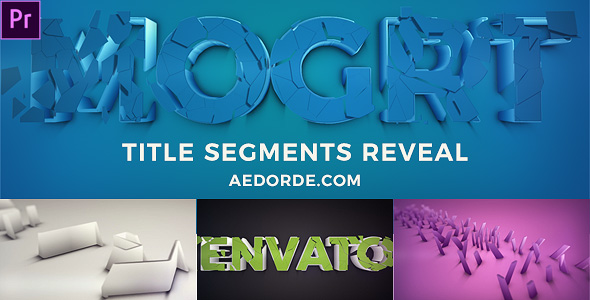
Title Segments Reveal (Mogrt)

Add a clean 3D title animation to a company identity, product promo or video opener with this Premiere Pro MOGRT. Insert it through Essential Graphics, then customize the wording, colors, extrusion depth, stroke, depth of field and color correction. After Effects must be installed for MOGRT support; the preview soundtrack is sold separately.

Quick Title Transforming (Mogrt)

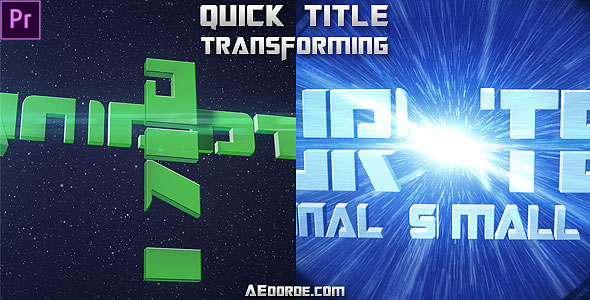
Quick Title Transforming (Mogrt)

Give a film intro, trailer, gaming video or creator opener a futuristic look with this Premiere Pro title animation MOGRT. Replace the text, then customize its color or metallic texture and adjust the available controls in Essential Graphics. After Effects must be installed for MOGRT support; preview audio is not included.

Falling social icons title reveal

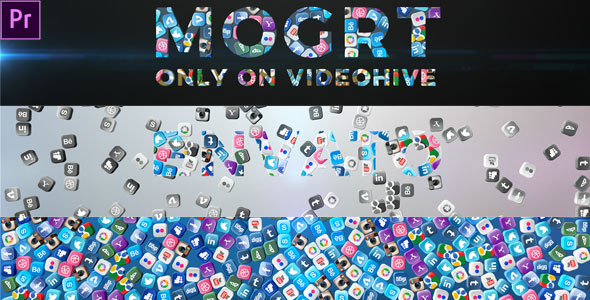
Falling Social Icons – Title Reveal (Mogrt)

Add a social-focused title animation to a business intro, brand video or short promo with this Premiere Pro MOGRT. Place it from Essential Graphics, replace the text, choose a background color and toggle the flares to suit your edit. After Effects must be installed for MOGRT support; music is not included.

transforming-boxes-title-reveal-premiere-pro-mogrt

Transforming Boxes – Title Reveal (Mogrt)

Create a modern brand intro, logo reveal or social video title with this Premiere Pro MOGRT. Choose between a wide landscape animation and a compact three-line square layout, then replace the text in Essential Graphics. After Effects must be installed for MOGRT support; preview audio is credited separately and not included.

Clean and Simple Corporate Title Reveal Premiere Pro Mogrt Project

Clean and Simple Corporate Title Reveal (Premiere Pro Mogrt)

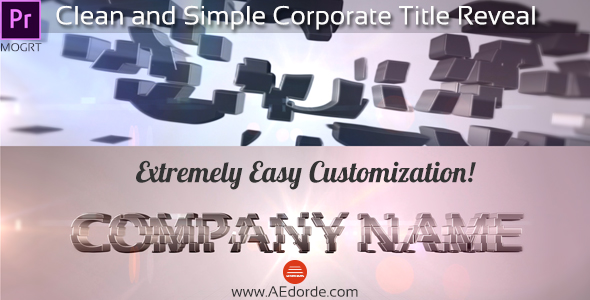
Introduce a company, service or business presentation with this clean Premiere Pro corporate title MOGRT. Add it from Essential Graphics, replace the text and tailor the animated formation effect and flares to your brand. After Effects must be installed for MOGRT support; the preview track is credited on the page.

short elegant title reveal

Short Elegant Title Reveal (Premiere pro Mogrt)

Give a logo, short title or brand presentation a refined entrance with this Premiere Pro MOGRT. Choose a 4- or 8-second formation animation, then customize it in Premiere Pro using the included help file. Made for Premiere Pro CC 2018 and newer, it also requires After Effects installed for MOGRT support.