
Multipurpose Clean 3D Text to Title (Mogrt)
Create dimensional title reveals with this Premiere Pro MOGRT: choose seven 3D presets and customize extrusion, color, layout, rotation and depth of field. After Effects must be installed.

Create dimensional title reveals with this Premiere Pro MOGRT: choose seven 3D presets and customize extrusion, color, layout, rotation and depth of field. After Effects must be installed.
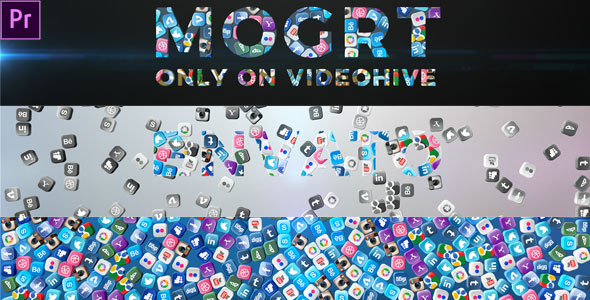
Add a social-focused title animation to a business intro, brand video or short promo with this Premiere Pro MOGRT. Place it from Essential Graphics, replace the text, choose a background color and toggle the flares to suit your edit. After Effects must be installed for MOGRT support; music is not included.
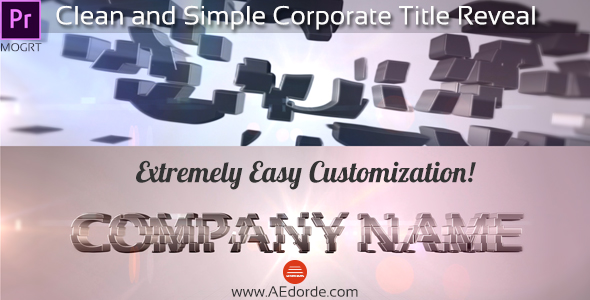
Introduce a company, service or business presentation with this clean Premiere Pro corporate title MOGRT. Add it from Essential Graphics, replace the text and tailor the animated formation effect and flares to your brand. After Effects must be installed for MOGRT support; the preview track is credited on the page.
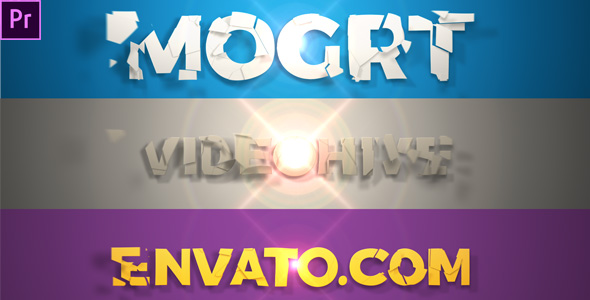
Give a logo, short title or brand presentation a refined entrance with this Premiere Pro MOGRT. Choose a 4- or 8-second formation animation, then customize it in Premiere Pro using the included help file. Made for Premiere Pro CC 2018 and newer, it also requires After Effects installed for MOGRT support.
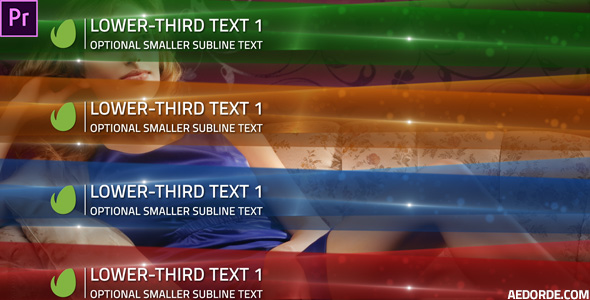
Identify a presenter, guest or speaker with this elegant Premiere Pro lower third for interviews, corporate videos, fashion films and presentations. Edit the text, add your logo and choose a color that fits your footage or brand. A matching After Effects version is also available.
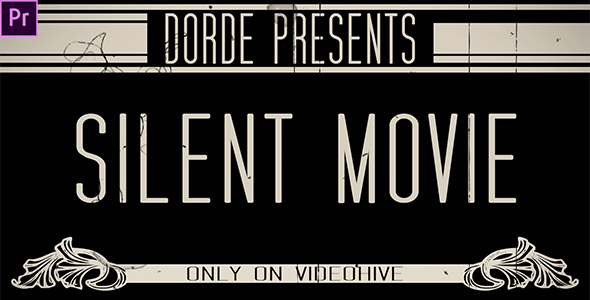
Turn your clips into a nostalgic silent-film sequence with this Premiere Pro project. Arrange 12 video placeholders, edit 12 intertitles and use the included prerendered scratches, flicker and other vintage effects—no plugins required. The template outputs Full HD 1920×1080 and suits short films, wedding edits or music videos.
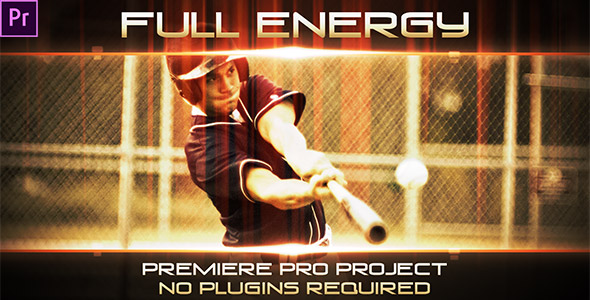
Create a lively photo or video montage with this multipurpose Premiere Pro template for promos, presentations and branded edits. Add media to 11 placeholders, customize up to 16 text holders and follow the included tutorial; no plugins are required. A matching After Effects version is also available.
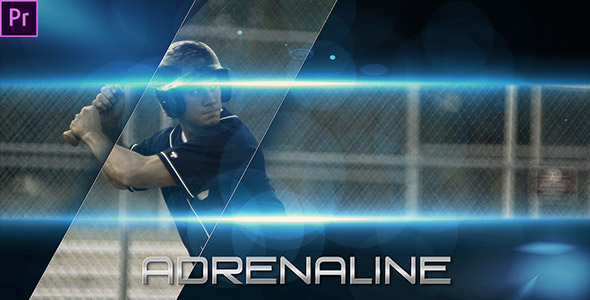
Cut a high-impact action trailer in Premiere Pro with 10 photo or video placeholders and 11 editable text holders. Add your footage, customize titles, and follow the included tutorial; no plugins required.
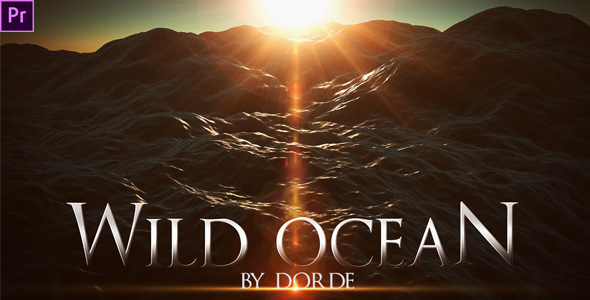
Create an atmospheric opening for a promo, trailer, presentation or showreel with this Premiere Pro title project. Replace the text, add a soundtrack and render a cinematic sequence without extra plugins. A matching After Effects version is also available.
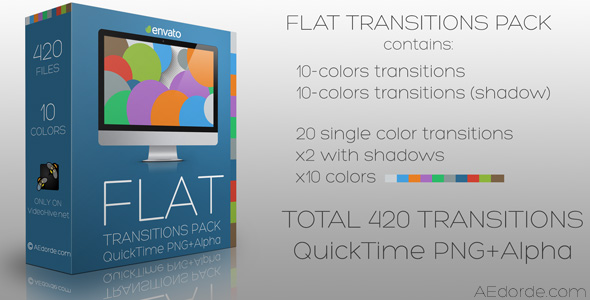
Add 420 flat-style video transitions to your edits with this QuickTime PNG pack. The transition clips include alpha transparency and work in compatible editors such as Premiere Pro, Final Cut Pro, Vegas and After Effects.