
Photo Mosaic to Logo Reveal
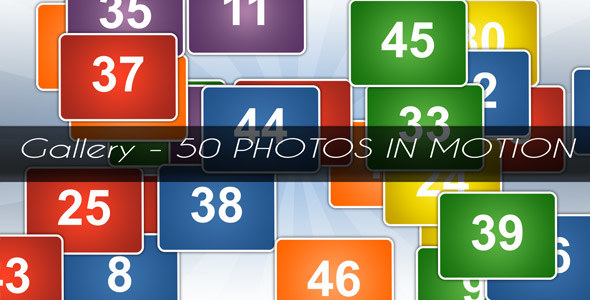
Create a cinematic photo mosaic logo reveal by transforming one large image into a wall of up to 50 photos, then revealing your logo, text or another image. This After Effects template is designed for portfolios, wedding films, event videos, brand presentations, YouTube intros and memorable photo slideshows.
What is included
- A ready-to-customize photo mosaic logo reveal composition.
- Prepared compositions for photos, videos, logos and text.
- An included customization tutorial.
- A 4K composition at 3840×2160.
How to customize the project
Import your photos, videos or logo, then drag and drop the files into the prepared compositions. The tutorial explains the main steps, so you can replace the media and adapt the final reveal without rebuilding the animation from scratch.
Compatibility and technical details
The project was created in After Effects CS5.5 and is compatible with newer versions of After Effects. The main composition is 3840×2160 (4K), but it can be rendered in a lower resolution and at any frame rate. For a smooth Full HD result, 1920×1080 at 60 fps is a practical option.
Audio in the preview: RedLionProduction – Inspiring (v.4, 30 sec.).
Logo in the third preview: Designed by Freepik.
Who is this template for?
This template is a good fit for photographers, videographers, agencies and creators who need a photo-driven logo intro or a presentation opener with a strong visual transition. It is also useful when you want to showcase many images while keeping the brand reveal at the end of the animation.
Looking for more editable resources? Browse the Free After Effects projects and stock footage, compare it with the Puzzle Photo/Logo Reveal Pack, or explore the free 3D logo reveal project.

1 Response
[…] 2. Photo Mosaic to Logo Reveal […]