Clean Logo Formation


Clean Logo Formation creates a crisp, elegant fractured logo reveal in After Effects. Break apart a logo, title or image, then bring the pieces together for a distinctive intro, ident or branded opener.
The project is designed for straightforward customization: import your logo and audio, place them in the designated compositions, and adjust the controls to shape the result. Prerendered optical flares keep the project plugin-free, while the included help file explains the editing steps and available settings.
This After Effects CS3 project is compatible with newer After Effects versions. It is built in Full HD at 29.97 fps; you can change the output resolution and frame rate, with the rendering workflow covered in the video tutorial. A sound effect is included. Music heard in the preview: Glitchy Digital Crystal Logo #07 by alkis.
Main features:
- Fractured reveal for a logo, text or image
- No plugins required; optical flares are prerendered
- Detailed help file covering customization, steps and controls
- Full HD composition at 29.97 fps, with adjustable output resolution and frame rate
- Included sound effect; preview music credited above
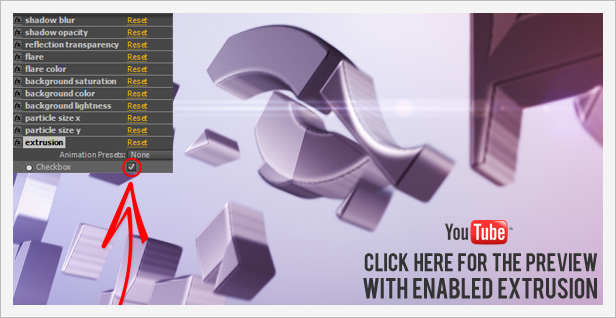
Click the image above or watch the preview below:
For a quick setup, import your logo and audio file and place them in the appropriate compositions. Use the controls to fine-tune shadow blur and opacity, reflection transparency, flare and flare color, background saturation, color and lightness, and particle size. The one-click extrusion option lets you add depth to the logo.