Twister Logo Transformation
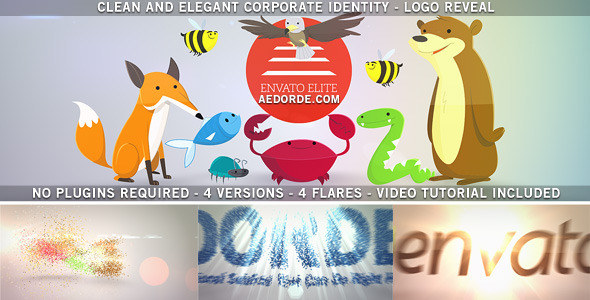
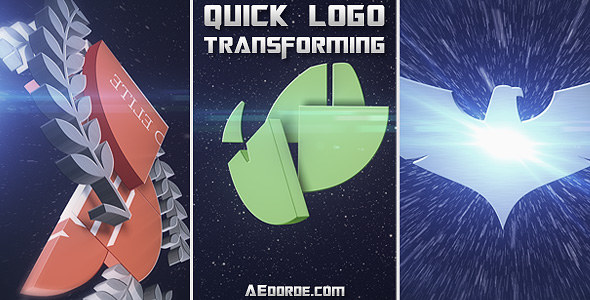
Create a distinctive logo reveal in After Effects by twisting text into a logo, transforming one text element into another, or transitioning between logos. You can also use an image in place of text or a logo, making this project useful for branded openers, channel intros and short promotional videos.


Customize the logo animation
Replace the sample text with your own wording, add a logo or image, and render the finished reveal. The built-in controls let you adjust the look without requiring third-party plugins:
- Enable or disable force motion blur.
- Adjust glossiness on the text and logo.
- Change the logo’s dirtiness and resize the rust effect.
- Enable or disable texture on the text and rust on the logo.
Project details
- After Effects CS3 project, compatible with all newer versions.
- No plugins used or required.
- Full HD 1920×1080 composition at 29.97 fps; the help file explains how to export at another resolution or frame rate.
- Free sound-effect links are listed in the help file.
- The preview uses V2 music: Leto. The related AudioJungle item is Transforming Logo.
Follow the help file for the customization steps if you are new to After Effects. Please contact me if you have a question about the project.
Thanks, and don’t forget to rate the item.